
Literacy has been the debate of many educators over the years. As noted by Barbara Foorman from the University of Texas, Houston Medical School, “88 percent of students who were poor readers in first grade were poor readers in fourth grade” (National Institute of Child Health and Human Development [NICHD], 2000, 9). Once students reach fourth grade, most of the information they need is given to them in a textual format where the focus changes from learning to read, to reading to learn. Therefore, those poor readers may have difficulty interacting with content in the curriculum (Higgins, Boone, and Lovitt, 2002).
As a 21st century teacher, I focus on using technology to enhance the student’s ability to read, write, and comprehend a text or a book. The experience I have had in the classroom with such technology has proven to be successful for many students.
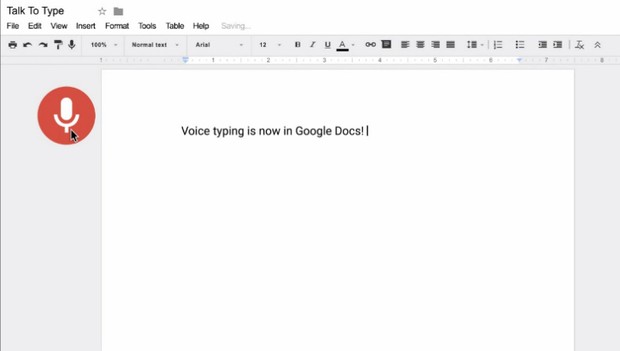
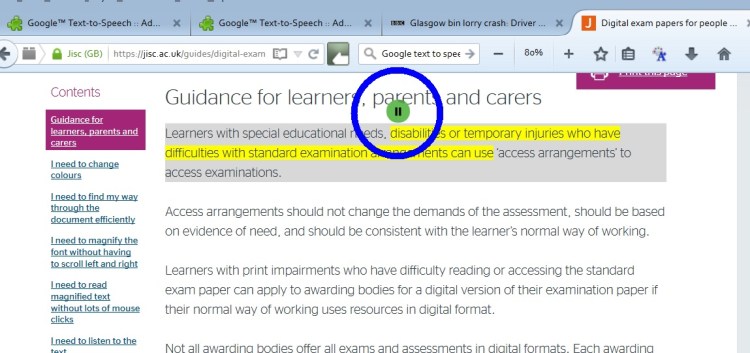
Tools such as Google voice typing and text to speech have helped students to write with more fluency. I have had students with different learning disabilities. An example was a student with dyslexia who had a hard time understanding what she was writing. Her ideas were nice and clear but as soon as she started to write, she would get lost. She used both tools and the results were incredible.
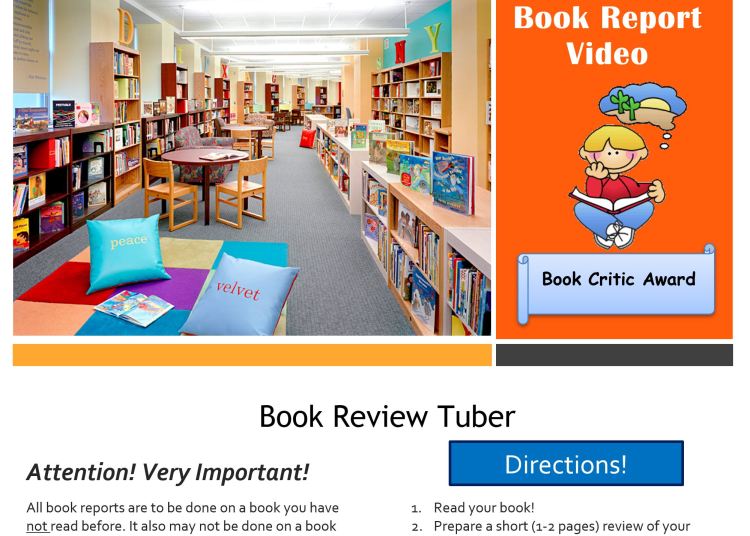
WeVideo is a Google video editing app that I used in the classroom. Students used for book reports, role play, and read-aloud. All those tools could be used at home, where parents had an opportunity to become more involved in classroom work and projects.
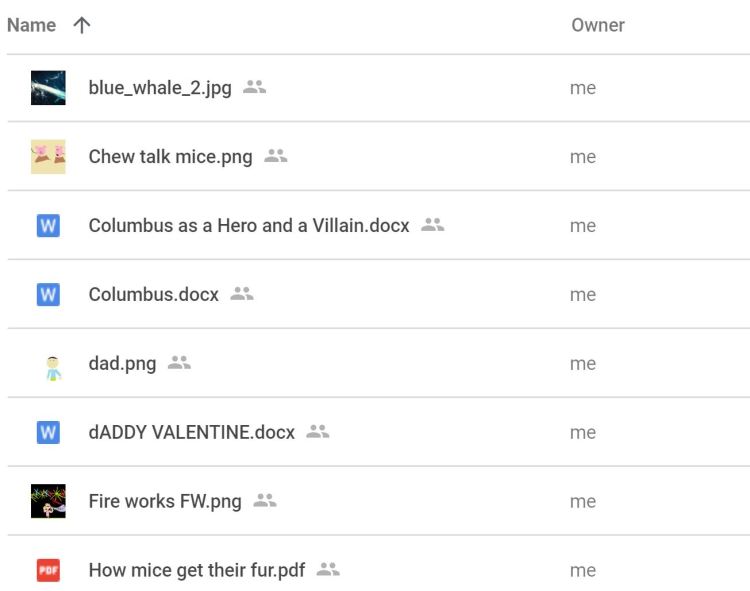
Another powerful tool in the classroom is google slides, which we used to create e-books. Students were able to even publish on Amazon if the families wished to do so. After the students published their e-books, they were able to share with their peers and friends in school and outside of the school. The library had available for students to read in the library share folder.
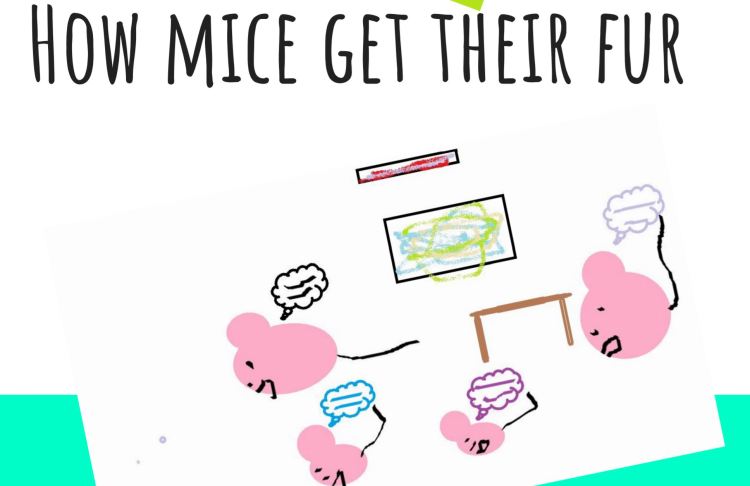
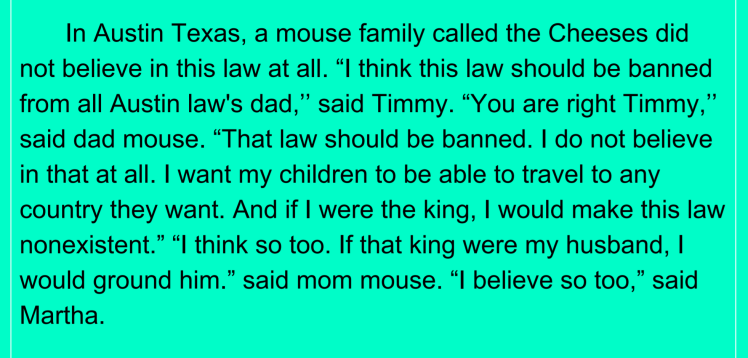
Book Creator for iPad is an app I used in Singapore at the international school that produces ePub3. Students had a chance to use this app and create their own e-books. There are different formats, a variety of fonts and sizes. Students could choose all kinds of background colors. Students can produce their own illustration or choose from a variety of images. The best part now, we can use not only for iPads but also on chrome books and on the web. Students were able to share with their family members in Singapore and around the world. One student even shared hers with her little friend who moved to the US from Singapore.
Student e-portfolio was a great tool to share with parents what the students were doing in the classroom. I used in the classroom in Singapore. Students added all the work they did and shared with parents during a parent-teacher conference. In Germany, I used the school share folder to also create individual folders, where students added al their work in the classroom. Students added all their scientific research, creative writing, team projects, and e-books.
We are preparing a new generation, where high tech tools are essential. My experience using those tools in the classroom has proven that technology during literacy helps students retain and apply information. Teaching becomes fun, exciting, and students become more engaged in the lesson. Reading and writing become a new adventure where e-books, audio books, and video books are available.
For more information and teaching samples with these tools e-mail cleiabr@gmail.com.
 Around The World With Mrs. Peterson